 English (Australia)
 Dansk
Dansk Deutsch
 English
 English (UK)
 Español
 Francais
 Italiano
 Magyar
 Nederlands
 Norsk
Norsk Polski
 Português (Brasil)
 Pycckui
 Suomi
Suomi Svenska
 עברית
עברית العربية
 日本语
日本语 繁體中文
繁體中文 한국어
한국어
Are cisco 9500 stackable?
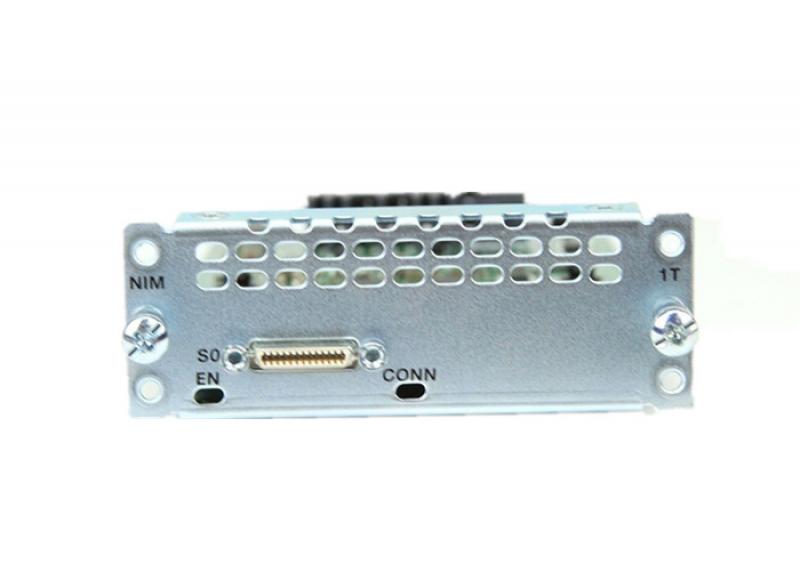
The Cisco Catalyst 9500 Series is a line of enterprise-class switches designed to address the needs of modern networking environments. These switches are known for their high performance, advanced security features, and scalability, making them a popular choice for organizations looking to build robust network infrastructures. One of the common questions that arise when considering the Catalyst 9500 Series is whether these switches are stackable. Understanding the stackability of network switches is crucial for network design and scalability, so let's explore this topic in detail.
Understanding Switch Stackability
Before diving into the specifics of the Cisco Catalyst 9500 Series, it's important to understand what stackability means in the context of network switches. Stackable switches are designed to be connected together in a way that allows them to operate as a single logical unit. This setup provides several benefits:
-
Simplified Management: A stack of switches can be managed as a single entity, reducing the complexity of network management tasks. This is particularly beneficial in larger networks where managing individual switches can become cumbersome.
-
Increased Port Density: By stacking switches, you can increase the number of available ports without needing additional space in your network rack. This is a cost-effective way to expand network capacity.
-
Redundancy and Resilience: Stacking allows for redundancy. If one switch in the stack fails, the others can continue to operate, maintaining network availability.
-
Scalability: As network demands grow, additional switches can be added to the stack, making it easy to scale the network infrastructure.
Cisco Catalyst 9500 Series and Stackability
The Cisco Catalyst 9500 Series is part of Cisco's flagship line of enterprise switches, designed to deliver high performance and advanced features for campus and data center networks. However, unlike some of the other models in Cisco's Catalyst lineup, the 9500 Series is not traditionally stackable in the way that smaller access layer switches might be.
Virtual Stacking with Cisco StackWise Virtual
While the Catalyst 9500 switches do not support physical stacking, they offer a feature called Cisco StackWise Virtual. This technology allows two Catalyst 9500 switches to be configured as a single logical switch. This virtual stacking provides many of the benefits associated with physical stacking, such as simplified management and redundancy.
Key Features of Cisco StackWise Virtual:
-
Single Control Plane: With StackWise Virtual, two switches operate with a single control plane, which simplifies management and configuration. Network administrators can manage the pair as if they were one switch.
-
High Availability: StackWise Virtual provides redundancy. If one switch fails, the other can take over, ensuring continued network operation. This is achieved through Stateful Switchover (SSO), which maintains network sessions during a failover.
-
Simplified Topology: The virtual stack reduces the complexity of network topology by presenting two physical switches as a single logical entity.
-
Seamless Upgrades: Software upgrades can be performed without disrupting network operations, as one switch can be upgraded while the other continues to handle traffic.
Considerations for Using StackWise Virtual
While StackWise Virtual offers many advantages, there are some considerations and requirements to keep in mind:
-
Compatibility: Not all Catalyst 9500 models may support StackWise Virtual. It's important to verify compatibility and ensure that the specific models you intend to use support this feature.
-
Cabling: StackWise Virtual requires specific cabling between the switches to enable the virtual stack. Proper cabling is crucial for ensuring the feature operates correctly.
-
Configuration: Setting up StackWise Virtual requires careful configuration to ensure that the switches operate as a single unit. This includes configuring virtual switch links (VSLs) and ensuring that both switches are running compatible software versions.
-
Redundancy Planning: While StackWise Virtual provides redundancy, it's important to plan for potential failover scenarios. This includes understanding how traffic will be rerouted and ensuring that network performance remains acceptable during failovers.
Alternatives to StackWise Virtual
For organizations that require more than two switches to be logically connected or prefer traditional stacking methods, the Catalyst 9500 Series can be integrated into a broader network architecture that includes other stackable models. For example, Catalyst 9300 Series switches, which are stackable, can be used at the access layer, while the 9500 Series serves as a high-performance aggregation or core layer.
Additionally, Cisco's Software-Defined Access (SD-Access) architecture can be employed to create a more flexible and scalable network design. SD-Access allows for the creation of virtual networks and automated network policies, providing an alternative approach to achieving many of the benefits of physical stacking.
Conclusion
In summary, while the Cisco Catalyst 9500 Series switches are not stackable in the traditional sense, they offer the Cisco StackWise Virtual feature, which provides many of the advantages of stacking through a virtualized approach. This feature allows two switches to operate as a single logical unit, simplifying management and enhancing redundancy. For organizations with larger stacking needs, integrating the Catalyst 9500 Series into a broader network architecture or leveraging Cisco's SD-Access can provide a scalable and flexible solution. Understanding these options and considerations is crucial for designing a network infrastructure that meets the specific needs of your organization.


